
How to Check SSL Certificate Expiration (3 Ways)
How to check SSL certificate expiration with openssl one-liners, your browser, and automated monitoring — copy-paste commands and when to use each method.
There are three honest ways to check SSL certificate expiration: a command-line probe with openssl, manual inspection in a browser, and continuous automated monitoring. The first two answer "is this one host OK right now?"; the third answers "are all my hosts OK, and will someone be told before any of them lapse?". This post covers all three, with copy-paste commands, and is clear about where each stops being useful.
Method 1: the openssl one-liner
The most reliable way to see what a server is actually serving — not what a config file claims — is to connect and read the certificate directly. This is the command worth memorising:
echo | openssl s_client -connect example.com:443 -servername example.com 2>/dev/null \
  | openssl x509 -noout -enddate -subject -issuer
What each part does:
s_client -connect example.com:443opens a real TLS connection to the host and port.-servername example.comsends the SNI header, so virtual-hosted servers return the right certificate (omit this and you may get a default cert and misleading results).echo |feeds an empty stdin so the session closes instead of hanging.- The second
openssl x509parses the leaf certificate and prints the bits you care about.
Typical output:
notAfter=Sep 14 09:21:00 2026 GMT
subject=CN=example.com
issuer=C=US, O=Let's Encrypt, CN=R11
A few variations worth keeping nearby:
- Just the expiry date: add
-enddateonly (as above). - Check a non-443 port (e.g. SMTP STARTTLS):
openssl s_client -connect mail.example.com:587 -starttls smtp. - See the full chain the server sends: add
-showcertsto thes_clientcall — useful for the "works in my browser but fails in curl" problem caused by a missing intermediate. - Has it expired? get a yes/no: pipe through
openssl x509 -noout -checkend 0(exit code 0 means still valid; non-zero means expired). Use-checkend 604800to ask "does it expire within 7 days?".
echo | openssl s_client -connect example.com:443 -servername example.com 2>/dev/null \
  | openssl x509 -noout -checkend 604800 \
  && echo "OK for at least 7 days" || echo "Expires within 7 days"
This is perfect for a quick check or a one-off debug. It does not, by itself, watch fifty hosts every day or tell anyone when something's wrong.
Method 2: inspect in the browser
For a visual check on a single site, every major browser exposes the certificate:
- Chrome / Edge: click the tune/site-settings icon left of the URL → Connection is secure → Certificate is valid. The "Valid from / Valid to" dates are the ones you want.
- Firefox: click the padlock → Connection secure → More information → View Certificate. Firefox's certificate viewer is the clearest of the lot and shows the full chain on separate tabs.
- Safari: click the padlock → Show Certificate.
Browser inspection is great for confirming which certificate is served and eyeballing the chain, the SANs and the issuer. Its limits are obvious: it's manual, it only checks whatever page you happen to open, and nobody is going to do it for every host every morning forever.
Method 3: automated monitoring
Methods 1 and 2 share the same flaw — they require a human to remember. Real coverage means something checks every endpoint on a schedule and pushes an alert before expiry, without anyone running a command. Good automated monitoring should:
- Probe the live endpoint, reading
notAfterfrom the certificate actually served — the same thing the openssl command does, but continuously. - Validate the chain while it's connected, catching missing intermediates as well as expiry.
- Alert on a tiered lead time (e.g. 30/14/7/1 days) so one ignored notice isn't the whole safety net.
- Cover the long tail — internal services, appliances, that forgotten staging subdomain — because the cert that bites you is rarely the one you remember to check by hand.
You can build this yourself with the openssl one-liner, a cron job and a script that posts to Slack — and for a handful of hosts that's a perfectly reasonable Saturday project. It stops being fun at the point where you're maintaining alert thresholds, dedup logic, and an inventory across multiple clients and TLDs.
Which method when?
| Situation | Best method |
|---|---|
| "Is this one host OK right now?" | openssl one-liner |
| "Why does the chain look wrong?" | Browser viewer or openssl s_client -showcerts |
| "Will someone be told before any of my hosts expire?" | Automated monitoring |
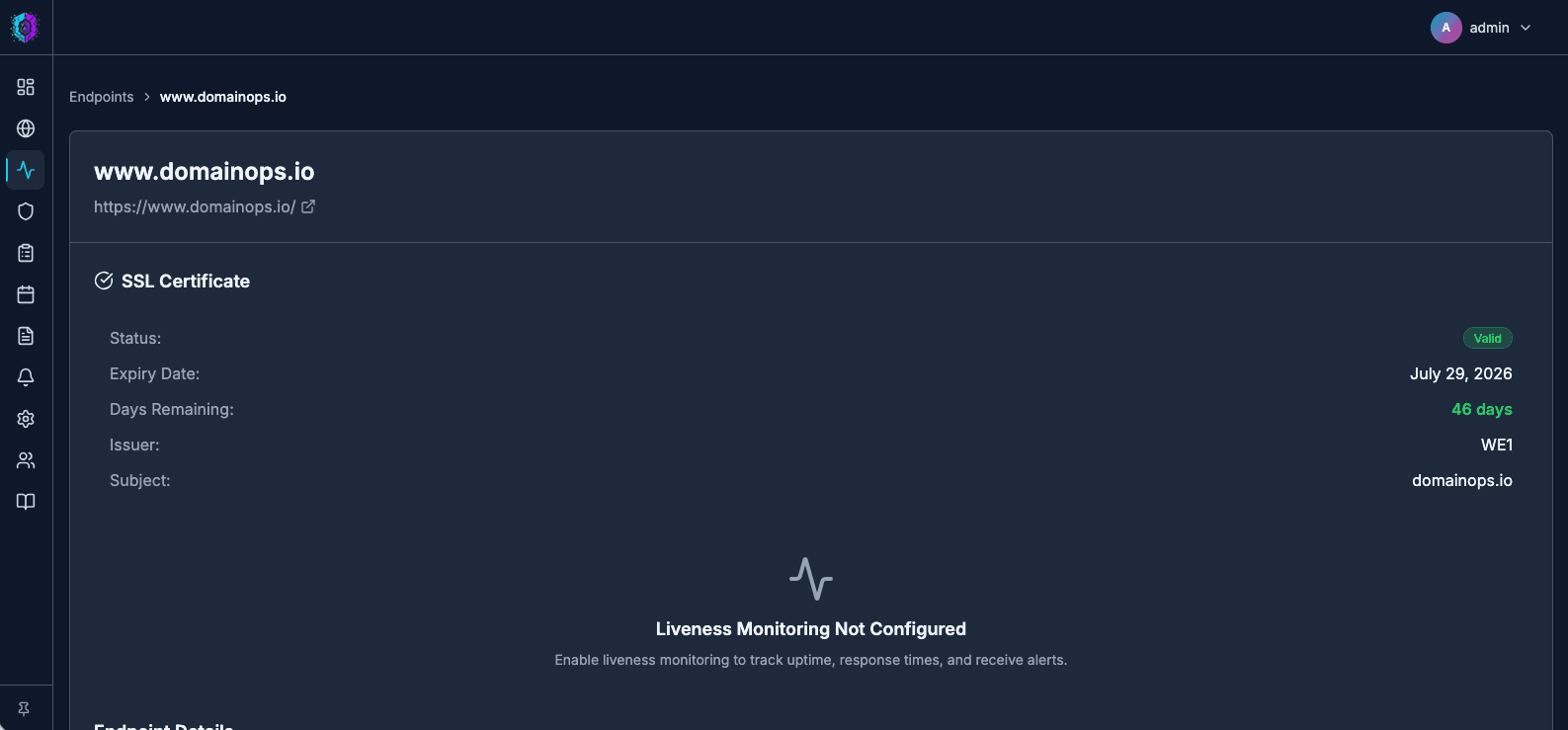
DomainOps does method 3 for you: it probes each HTTPS endpoint you add, reads the served certificate's expiry and chain, and sends tiered alerts to email, Slack or Pushover before anything lapses. See how endpoint checks work, or get your first check running in a couple of minutes.