
How to find dangling DNS records before attackers do
Dangling DNS records point at cloud resources you no longer own. Learn what makes a record dangling across S3, GitHub Pages, Heroku and Azure, and how to detect them.
Dangling DNS records are entries in your zone that still resolve but point at a resource that no longer exists or no longer belongs to you. They are the raw material for subdomain takeover, and they accumulate quietly: every cloud resource you ever pointed a hostname at is a candidate the moment that resource goes away. Finding dangling DNS records in your own estate before someone else does is one of the highest-value, lowest- glamour tasks in domain security.
This post is about detection — what makes a record dangling, why the cloud-provider model makes it so easy to create one, and how to sweep your zones for them.
What actually makes a record "dangling"
A record is dangling when the DNS entry outlives the resource it references. The DNS control plane and the resource control plane are separate systems that nobody keeps in sync, so they drift. The classic shapes are:
- CNAME to a deleted resource.
assets.example.comis a CNAME to a bucket or app endpoint that has been torn down. The CNAME still resolves the alias chain, but the target returnsNXDOMAINor a claimable error page. - A/AAAA to a released IP. You pointed a host at a cloud VM's public IP, destroyed the VM, and left the record. That IP returns to the provider's pool and is reassigned to someone else — possibly an attacker who requested addresses until they got yours.
- NS delegating to dead nameservers. A child zone delegated to a nameserver provider whose account has lapsed. Re-register the zone there and you own everything beneath it.
- MX or TXT referencing retired services. Less directly exploitable, but they signal decommissioned infrastructure and inflate your attack surface.
The unifying property: the record is a promise about infrastructure that is no longer being kept.
The cloud-provider angle
Dangling records existed before the cloud, but multi-tenant platforms turned them from a
nuisance into a takeover primitive. The pattern that matters is hostname-based routing
into a shared namespace. When a platform decides which tenant gets a request by looking
at the Host header, and lets the next customer claim a name the previous one released,
a dangling CNAME becomes a handover.
| Provider class | What the CNAME points at | Why it can dangle |
|---|---|---|
| S3 / object storage | A bucket-named website endpoint | Bucket names are global; delete yours and anyone can recreate it |
| GitHub Pages | A *.github.io host | The custom-domain mapping lives in a repo that may be deleted or transferred |
| Heroku / PaaS | An app's default domain | App names return to the pool when the app is destroyed |
| Azure (App Service, Traffic Manager, CDN, Blob) | Various *.azure*.net endpoints | Many endpoints are re-claimable unless domain verification is enforced |
None of these are unique to one vendor — they are the same architecture wearing different logos. The defensive takeaway is not "avoid provider X" but "every custom-domain feature you use is a record you must remember to remove when you stop using it".
A detection approach that actually finds them
You cannot audit records you do not know exist, so detection is two phases: enumerate, then verify.
1. Enumerate every name
- Export your zones from every DNS provider you use — including the ones a single team spun up years ago.
- Supplement with certificate transparency logs and passive DNS, which surface hostnames that were issued certificates or observed in the wild but are missing from your records.
- Reconcile the two. Names that appear in CT logs but not your current zone are often the most interesting — they are history your zone export has forgotten.
2. Verify each target still resolves and is yours
For CNAMEs, follow the chain and check the final target:
# Does the CNAME target itself resolve?
$ dig +short assets.example.com
old-bucket.s3-website.eu-west-1.example.    # the alias

$ dig +short old-bucket.s3-website.eu-west-1.example.
                                            # empty — target does not resolve
An empty answer or NXDOMAIN on the final target is a strong dangling signal. But many
claimable resources resolve fine and return a fingerprinted error page, so also fetch the
endpoint and look for known "resource not found" signatures:
$ curl -sI https://assets.example.com | head -n 1
HTTP/2 404

$ curl -s https://assets.example.com | grep -i "no such bucket"
<Code>NoSuchBucket</Code>
For A/AAAA records, the harder question is ownership: the IP may resolve to a live host that is not yours. Cross-reference against the addresses your accounts actually hold, and treat any public IP you cannot account for as suspect.
3. Repeat on a schedule
A dangling record is created the moment a resource is decommissioned, which is a continuous, unscheduled event. A point-in-time audit is stale within days. The only durable answer is to re-enumerate and re-verify on a recurring basis and alert on changes.
Closing the loop in your process
Detection finds today's danglers; process stops tomorrow's. Two habits do most of the work:
- Remove the DNS record before destroying the resource, never after. Bake it into teardown runbooks and infrastructure-as-code so the record cannot be orphaned.
- Give every record an owner. A record nobody recognises is a record nobody will remove. Treating DNS as reviewed, versioned code makes orphans visible.
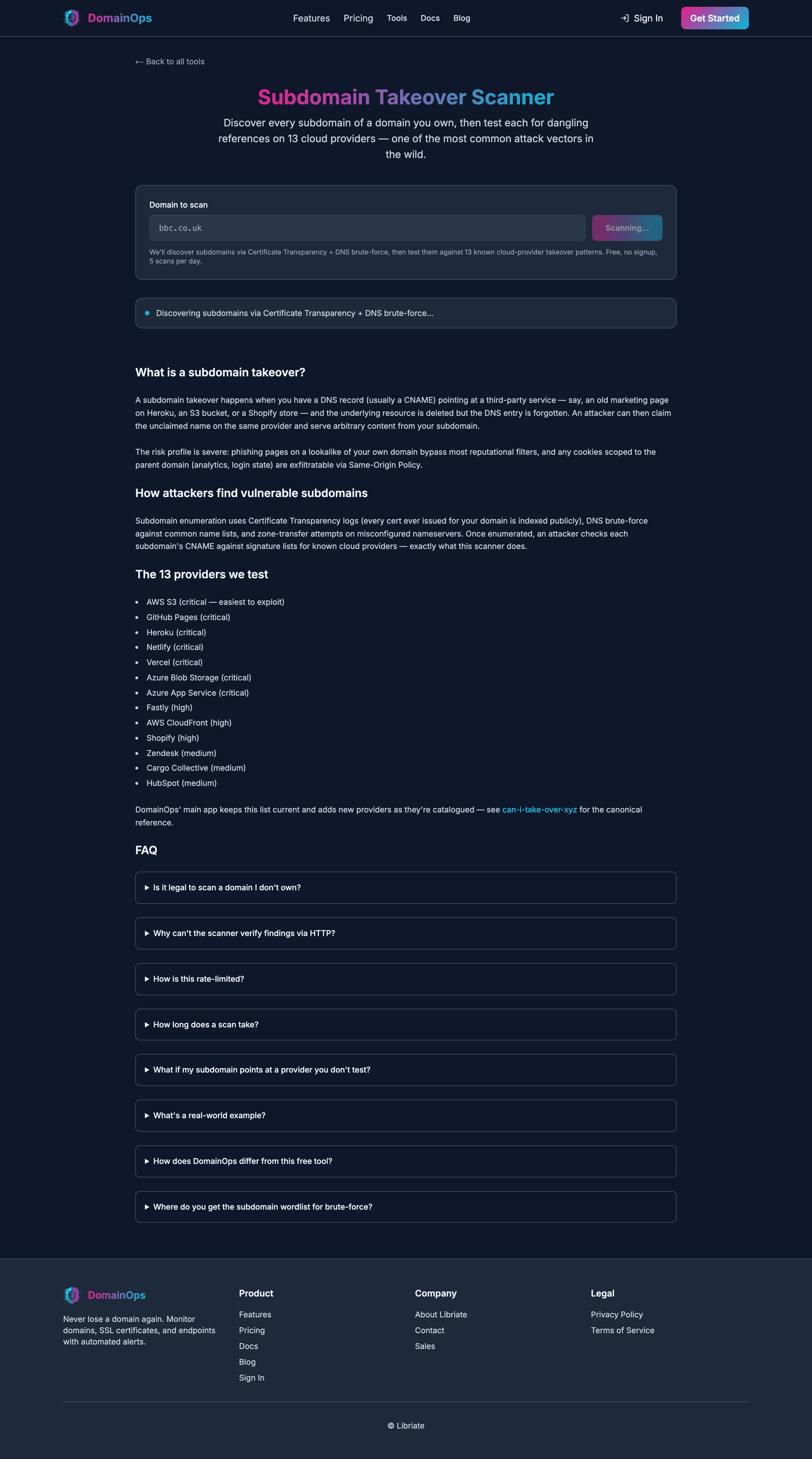
DomainOps continuously enumerates your subdomains, follows every CNAME/A/NS target, and flags records that have started to dangle — across all the cloud providers above. The exposure-monitoring docs explain the detection model in detail. If you would rather sanity-check one domain right now, the free subdomain takeover scanner uses the same fingerprinting. When you want this running on your whole estate, get started here.