
SSL Certificate Expiry Monitoring: Why Certs Still Lapse in the Age of Automation
Why SSL certificate expiry monitoring still matters in the age of automation: real outages, probing vs CT logs, and the alert lead times that work.
SSL certificate expiry monitoring sounds like a solved problem. Certbot renews automatically, your cloud load balancer manages its own certs, and ACME has been mainstream for a decade. And yet expired certificates keep taking down production systems at organisations with far more engineers than yours. The uncomfortable truth is that automation reduced the frequency of certificate expiries while making the survivors much harder to predict — because nobody is looking any more.
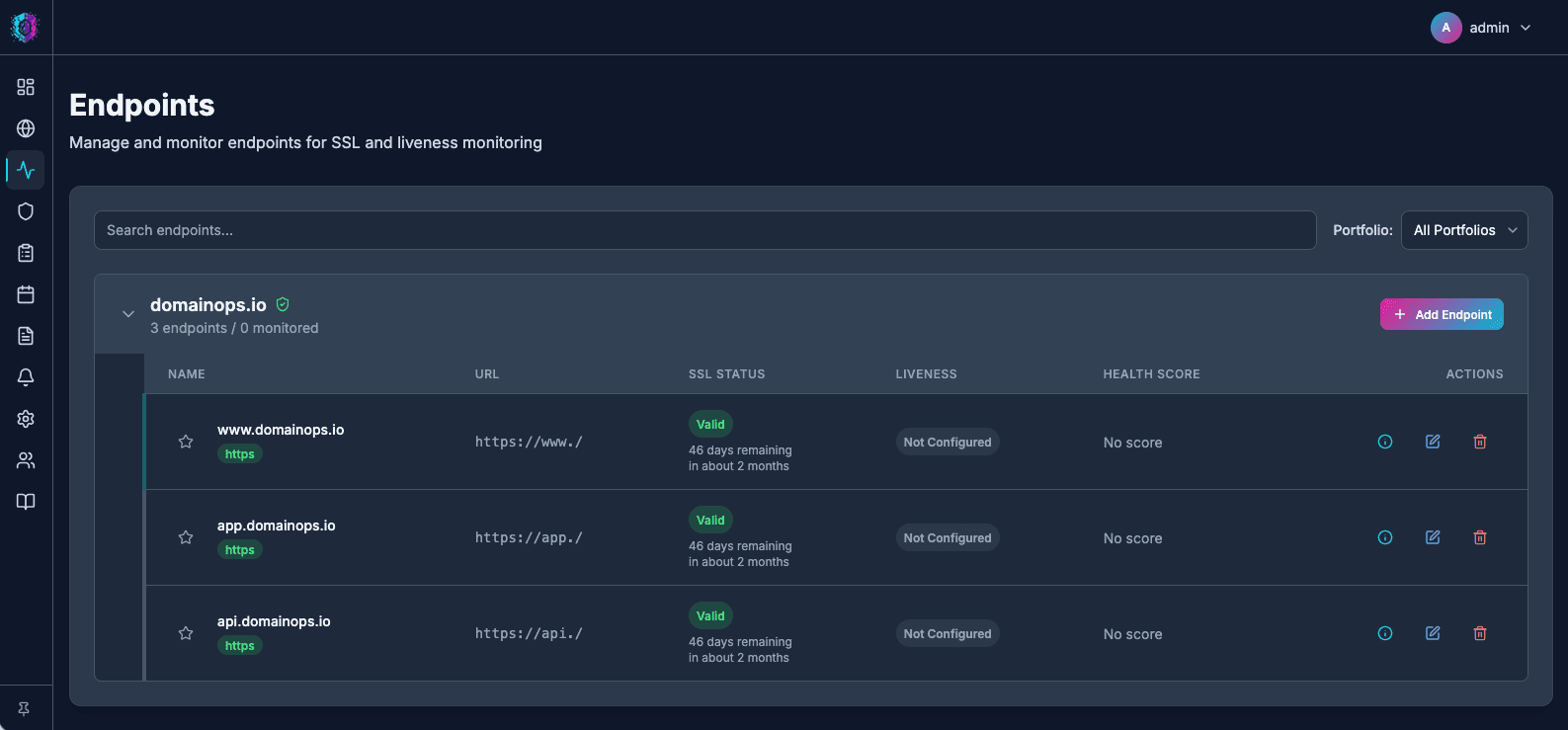
Why certificates still expire despite automation
Automation fails quietly. The renewal job that worked for two years stops working, and nothing tells you until the certificate actually lapses. The patterns we routinely see:
- The renewal job broke silently. A certbot cron entry was lost during a server rebuild, a systemd timer was disabled during debugging and never re-enabled, or the job runs but errors and nobody reads its output.
- The cert isn't where the automation thinks it is. Renewal succeeds on disk, but the web server, load balancer or appliance serving traffic was never reloaded — or serves an older copy from its own store.
- The certificate is outside the automation entirely. Internal CAs, code-signing certs, certs baked into appliances, SaaS admin panels, legacy Java keystores, that one IIS box. ACME covers your web tier; it rarely covers everything presenting a certificate.
- Ownership changed. The person who set up renewal left. The DNS account whose API token the DNS-01 challenge depends on was decommissioned. The credit card behind a paid cert expired before the cert did.
- Manual one-year certs purchased "temporarily" that quietly became load-bearing.
None of these failures announce themselves. The only reliable signal is checking the certificate actually being served, from outside, continuously.
Expired certificates have caused famous outages
This is not a hypothetical risk reserved for small teams:
- Ericsson, December 2018. An expired certificate in Ericsson's SGSN-MME software knocked out mobile data for O2 in the UK and SoftBank in Japan, affecting tens of millions of subscribers for the best part of a day.
- Microsoft Teams, February 2020. Teams went down for several hours after Microsoft allowed an authentication certificate to expire — at a company that operates one of the largest PKI estates in the world.
- Spotify, August 2020. A widespread outage that Spotify attributed to an expired TLS certificate.
- Equifax, 2017. Less famous as a certificate story: an expired certificate on a traffic-inspection device meant the breach exfiltration went unnoticed for around ten weeks, according to the subsequent US government reports. Expiry doesn't just break things — it can blind your security tooling.
If it happens to Microsoft and Ericsson, the lesson isn't "be smarter than them". It's that expiry is an organisational failure mode, and the fix is an independent monitoring layer, not more diligence.
Monitoring strategies: endpoint probing vs CT logs
There are two complementary ways to monitor certificate expiry. They answer different questions.
| Approach | What it checks | Strengths | Blind spots |
|---|---|---|---|
| Endpoint probing | The certificate actually served on a host:port right now | Catches "renewed on disk but never deployed"; sees exactly what clients see, including the chain | Only covers endpoints you know about and can reach |
| CT log monitoring | Certificates publicly logged at issuance for your domains | Discovers certs (and subdomains) you forgot existed; spots unauthorised issuance | Tells you a cert was issued, not that it was deployed or that the old one was replaced |
Endpoint probing is the backbone of expiry monitoring: connect to each TLS endpoint on a schedule, read the leaf certificate's notAfter, validate the chain while you're there, and alert on a threshold. CT monitoring fills in the inventory problem — it's how you find the staging subdomain with a cert that expires next Tuesday, the one nobody remembered to add to the probe list.
A quick manual probe looks like this:
echo | openssl s_client -connect example.com:443 -servername example.com 2>/dev/null \
  | openssl x509 -noout -enddate -subject -issuer
# notAfter=Sep 14 09:21:00 2026 GMT
That's fine for one host, once. It does not scale to fifty domains across a dozen clients, checked daily, with someone reliably on the receiving end of the result — which is the actual job.
Alert lead times: 30, 14, 7 and 1 days
A single alert is a single point of failure, and an alert 60 days out gets snoozed. A tiered schedule works because each tier has a distinct purpose:
| Lead time | Purpose |
|---|---|
| 30 days | Planning signal. For ACME certs this is roughly when renewal should have already happened — a 90-day Let's Encrypt cert inside 30 days means automation has likely failed. For manual certs, time to raise the purchase. |
| 14 days | Escalation. Renewal still hasn't landed; this is now a ticket with an owner, not an FYI. |
| 7 days | Urgent. Someone should be actively working on this today. |
| 1 day | Last-ditch page. If this fires, something is badly wrong — treat it as an incident in progress. |
Two refinements worth adopting: route the 30-day notice to a channel (Slack, email digest) and reserve the 1-day alert for a paging path, and re-check after remediation — confirm the served certificate changed, not just that someone replied "done" on the ticket.
Monitor what's served, not what you deployed
The common thread through every incident above: somebody believed renewal was handled. The monitoring that catches these failures has three properties — it's external (checks the live endpoint, not the renewal log), continuous (daily at minimum), and independent of the team and tooling doing the renewing. A renewal system asked to report on itself will tell you it's fine right up until it isn't.
DomainOps probes your HTTPS endpoints on a schedule, watches expiry on every certificate it finds, and sends tiered alerts to email, Slack or Pushover well before the lapse — see how endpoint monitoring works to get your first checks running in a few minutes.